Task management for requests, work orders, and photo records
Replace sticky notes, text messages, and emails with one task list for client requests, field issues, assignments, notes, photos, and completion records.
Keep task records organized
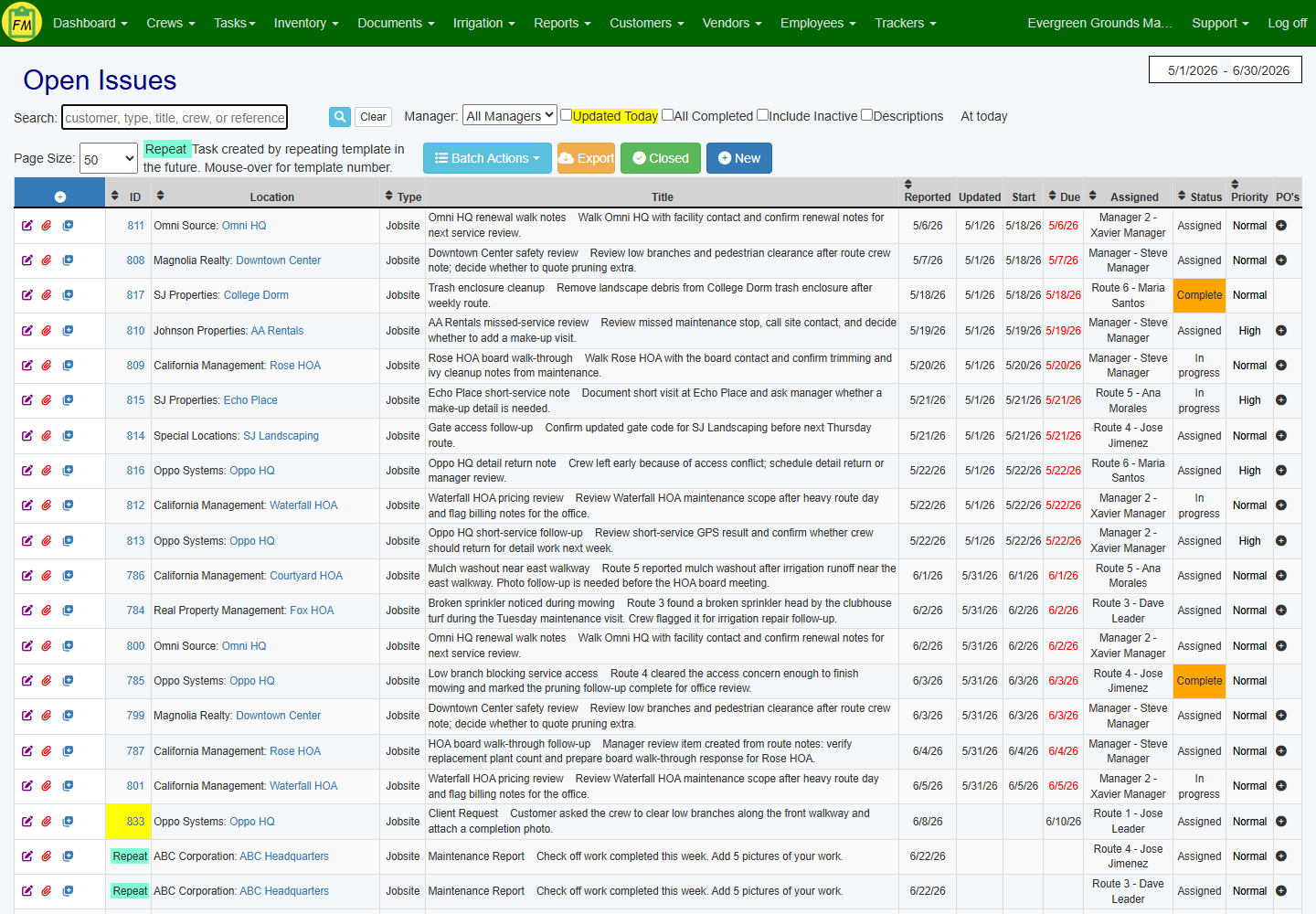
Give the office and crews one place to see what is open, assigned, in progress, or complete.
- Keep Client Requests Visible
- See Assignments and Due Dates
- Review Task Photos and History
- Find Open and In-Progress Tasks
- Check Request Status Before Replying
- Find Past Work by Property
Keep client requests in one follow-up hub
Client requests are easier to manage when each item is captured, assigned, and tracked through to completion, creating a searchable task history for service follow-up.
- Centralize All Requests: Consolidate client needs, internal to-dos, and site inspection action items into one organized list.
- Keep Work Visible: Review open, in-progress, and past-due tasks from one dashboard.
- Clarify Accountability: Assign tasks to specific crew members with clear due dates so responsibility is visible.

Give crews the day's tasks in one place
Equip crews with assigned tasks, jobsite context, and a simple way to update status from the field, without relying on morning reminders, paper work orders, or scattered texts.
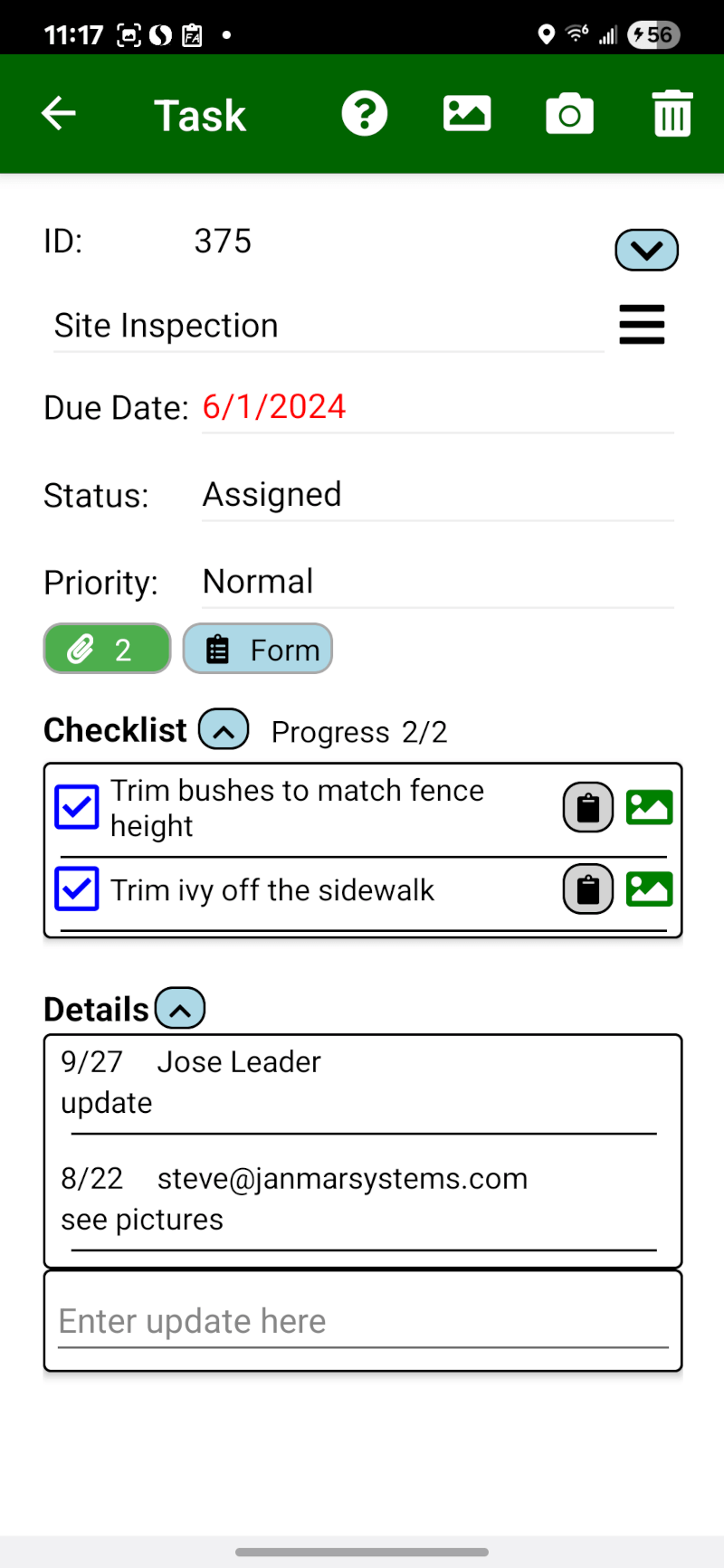
- Provide Clear Instructions: Crews receive their task list directly on their phone, complete with details, location, and photo attachments.
- Use location-based task reminders: Field Assistant can alert crews when they arrive at a route stop with assigned tasks, then remind them again if they leave before updating the task status.
- Enable Field Reporting: Crews can report service issues like broken sprinklers or pest activity with photos and notes for office follow-up.
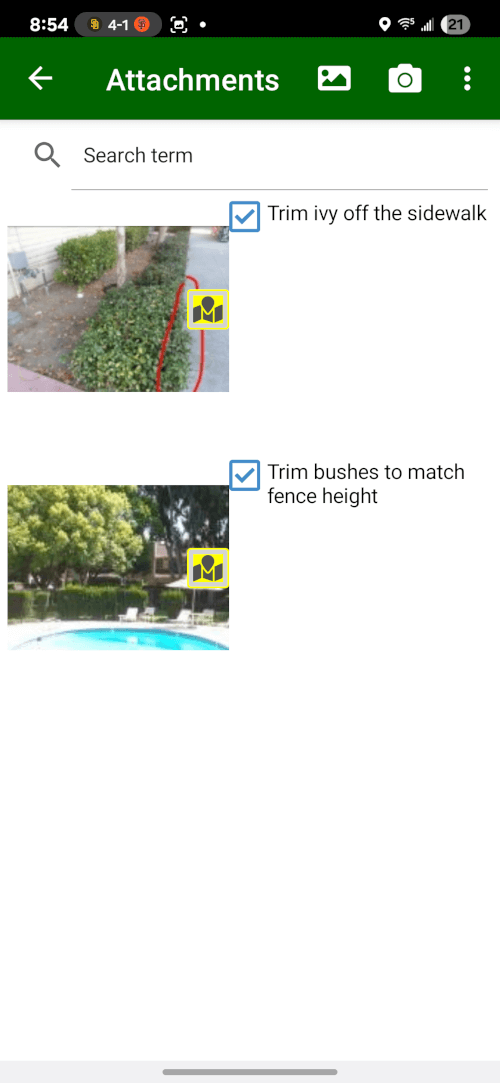
Keep photos, notes, and follow-up detail with the task
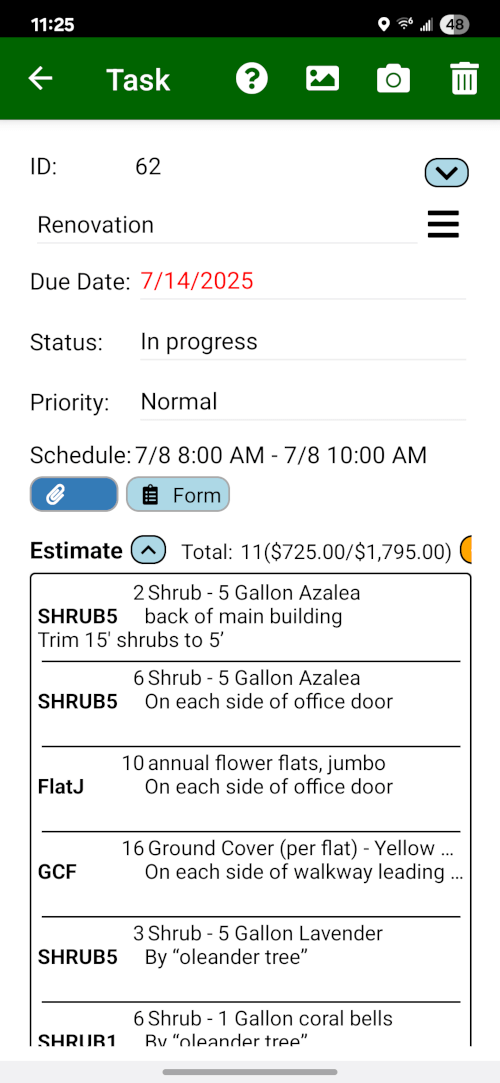
Landscape work is easier to review when the task record holds the status, jobsite notes, attachments, materials, and estimate detail managers need for customer follow-up.
- Keep Field Context Together: Tie notes, status, attachments, materials, and estimate detail to the same customer and jobsite record.
- Support Customer Follow-Up: Give account managers the field detail they need before they call the customer back.
- Keep Work Reviewable: Preserve the task history so completed work is easier to find later.
Want to see how task records replace scattered follow-up?
Walk through task assignment, mobile updates, photos, and office review from the task record.
Book a Live Walkthrough