Requests, crew updates, photos, and account-manager review stay with the same task record.
Keep customer requests, property issues, and punch lists visible
Turn customer requests, site inspections, task notes, attachments, punch-list work, and manager review into follow-up your crews and office can both see.
Use the walkthrough to map this service example to your current crews, records, and review process.

Owners, operations managers, and office managers who need fewer calls, paper packets, and duplicate entries.
Replace paper handoffs with records the office can act on
Customer calls, property issues, inspection findings, and punch lists are easier to manage when they are not scattered across calls, texts, and paper. Field Service Cloud keeps the request, crew task, checklist, photos, and manager review together for follow-up.
Inspection checklist findings become task details crews can complete from the phone.
Photos, notes, checklist answers, and completion status give managers evidence before they close the request.
Follow-up examples
Two follow-up paths, one connected record
These are two examples of how landscape companies can use issues and forms. Customer requests can move from office note to crew task to customer follow-up. Site inspections can create punch-list work for crews; once that follow-up is complete, account managers can complete a Monthly Quality Review in Field Assistant and management can review responses across jobsites. Field Service Cloud can also fit the follow-up paths your company already uses.
Customer request follow-up
1
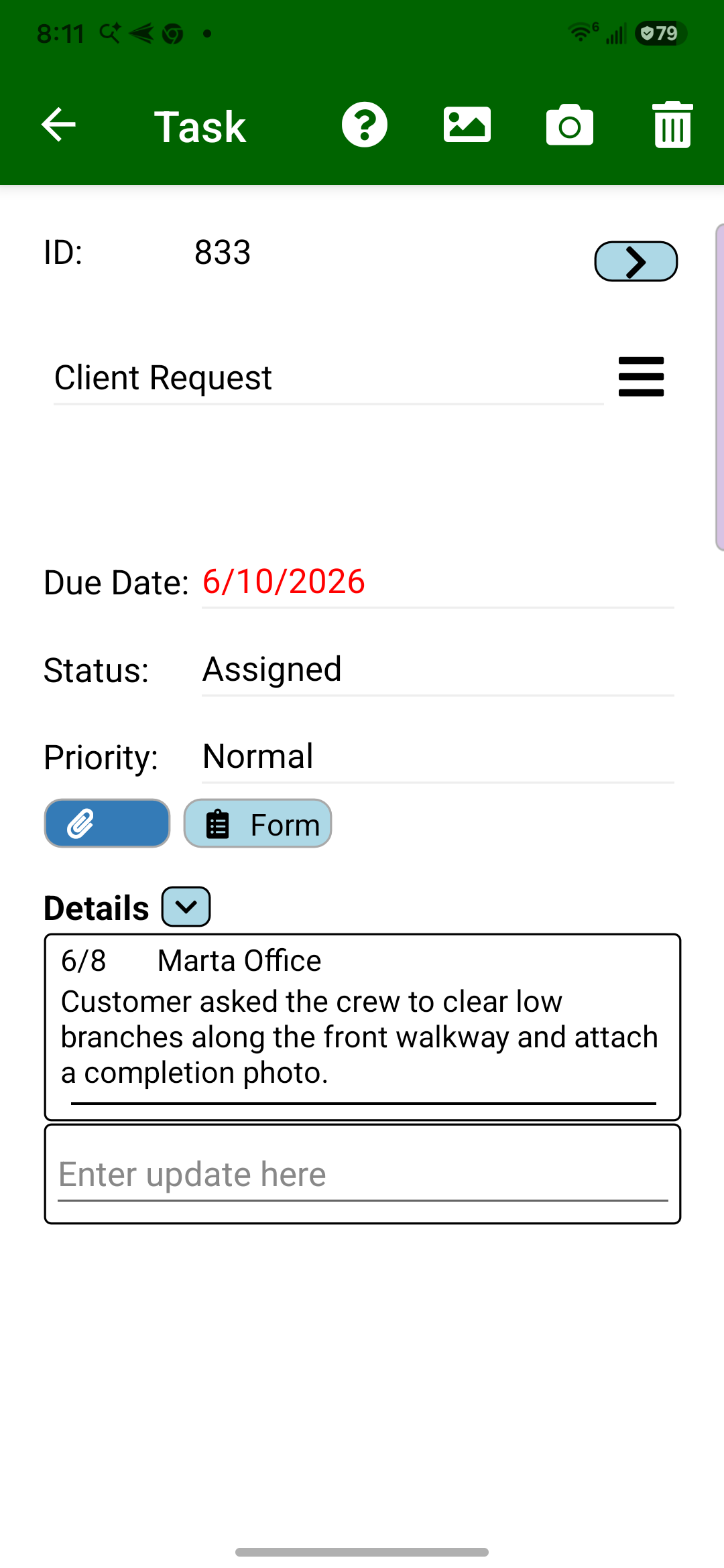
Customer requests reach the crew
After the office captures a request, crews see the customer, jobsite, due date, status, and office note in Field Assistant before they complete the follow-up.
The request reaches the phone.
2
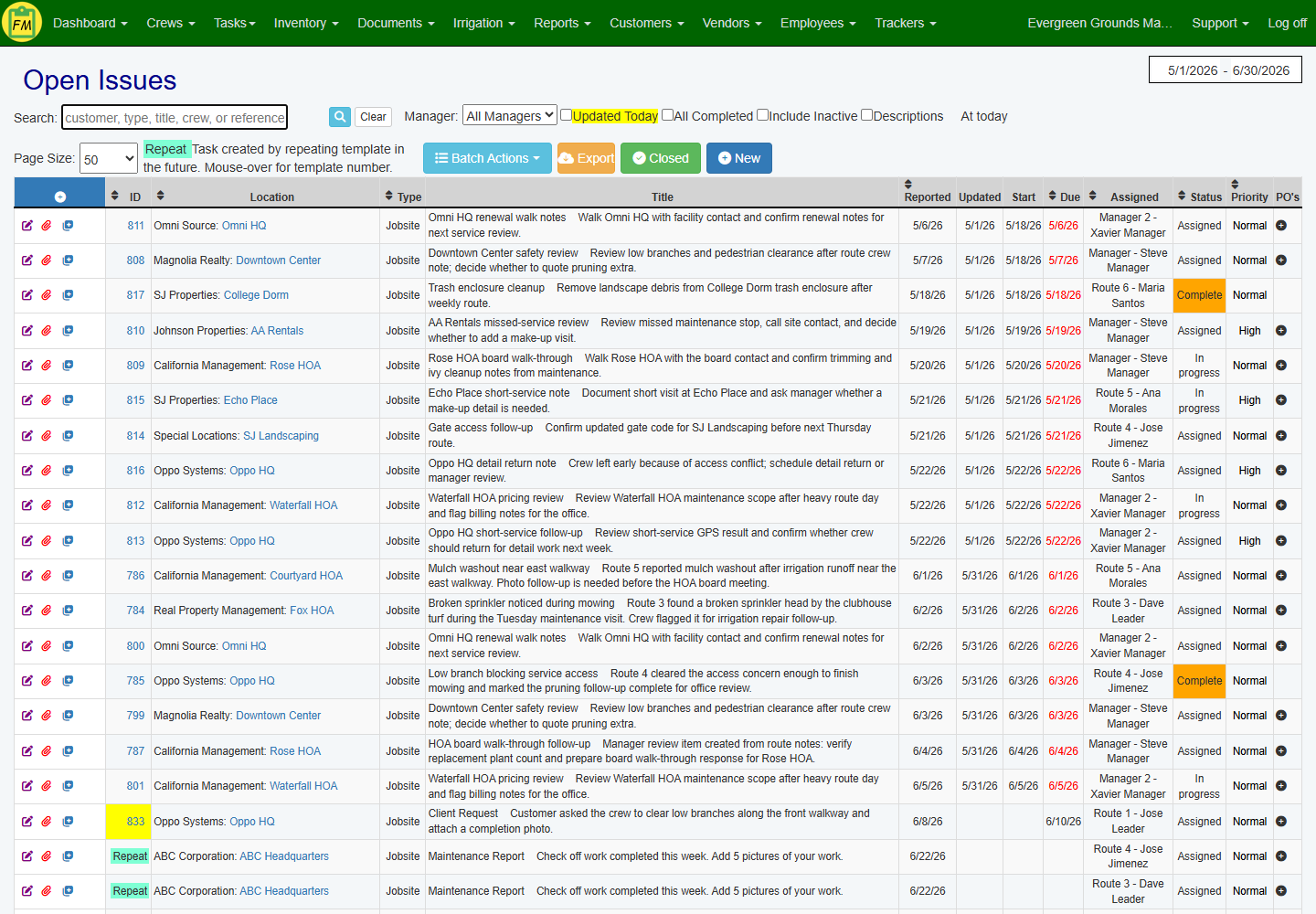
Office teams see request follow-up
Task status, assignment, due date, and priority stay visible so account managers and office admins can tell the customer when the request is handled.
Customer follow-up stays visible.
Site inspection and quality review
3
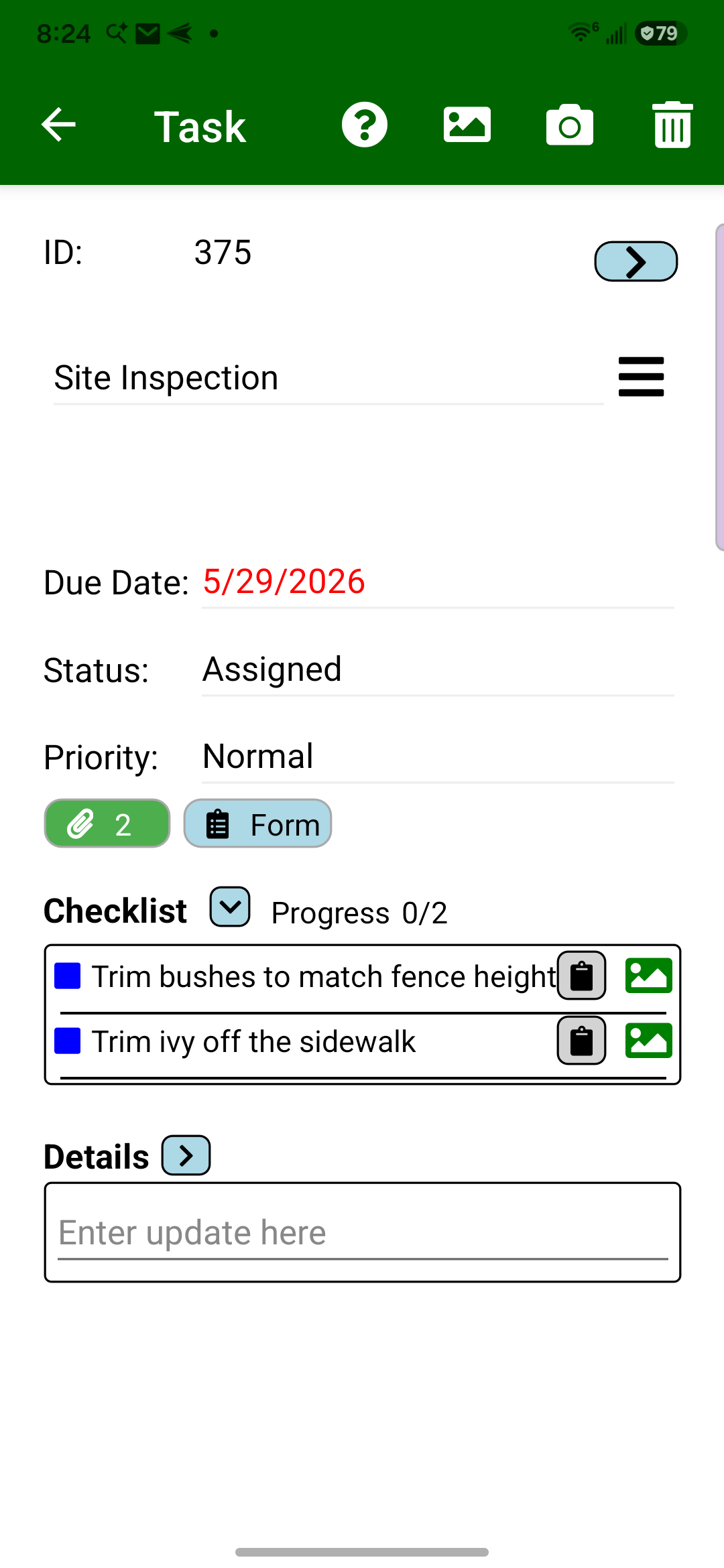
Site inspections create punch-list work
When an account manager finds site issues, the follow-up task can include photo-backed checklist items so crews know exactly what needs to be corrected.
Checklist items keep details clear.
4
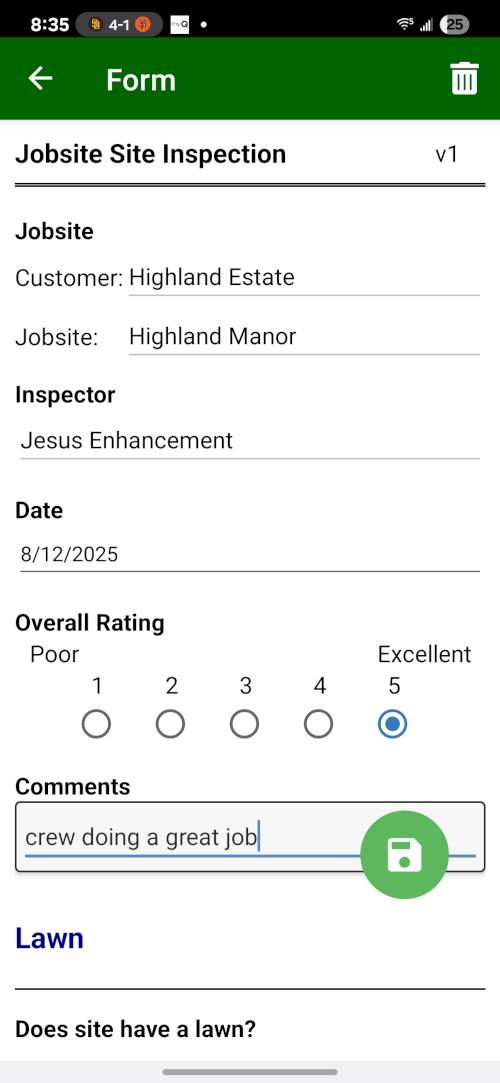
After follow-up is finished, review quality
Once crews complete the inspection punch list and the account manager confirms the work, the account manager can walk the property and record the Monthly Quality Review in Field Assistant.
Quality notes start on site.
5
Management reviews quality across jobsites
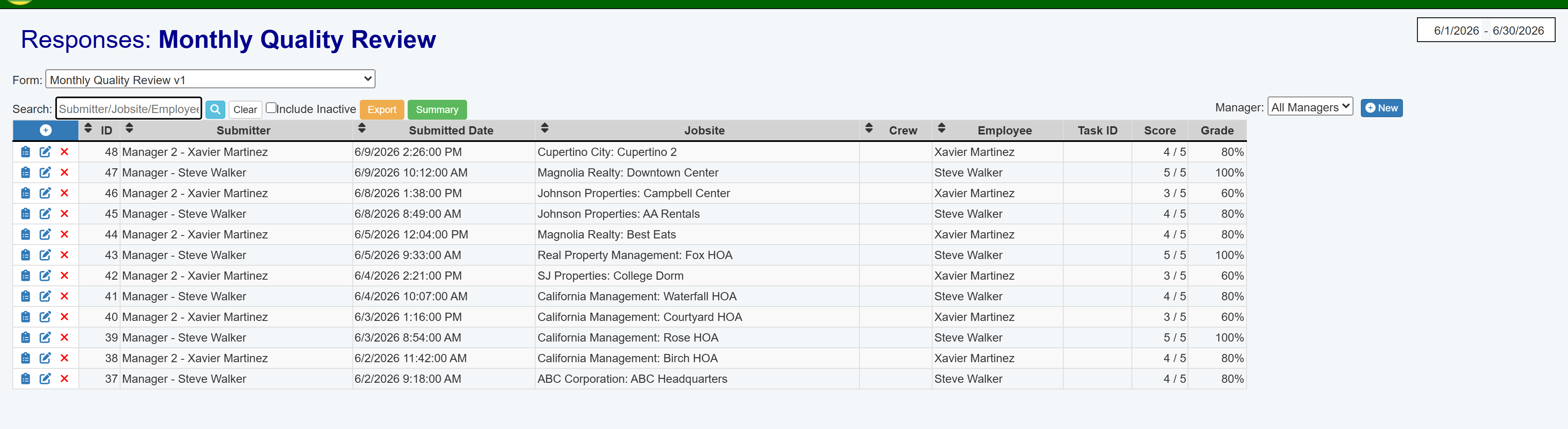
Submitted Monthly Quality Review responses give managers a month-end quality view across jobsites, with submitter, jobsite, inspector, score, and grade visible for review.
Quality review stays searchable.