Monthly inspection notes become station-level repair sections, estimate lines, and customer follow-up.
Turn irrigation findings into billable repair follow-up
Use irrigation maps, inspection notes, station photos, repair parts, field-built estimates, task status, and a customer-ready estimate so repair opportunities do not stall after the technician leaves.
Use the walkthrough to map this service example to your current crews, records, and review process.
Operations managers, irrigation managers, account managers, and office managers.
Move irrigation findings into repair estimates
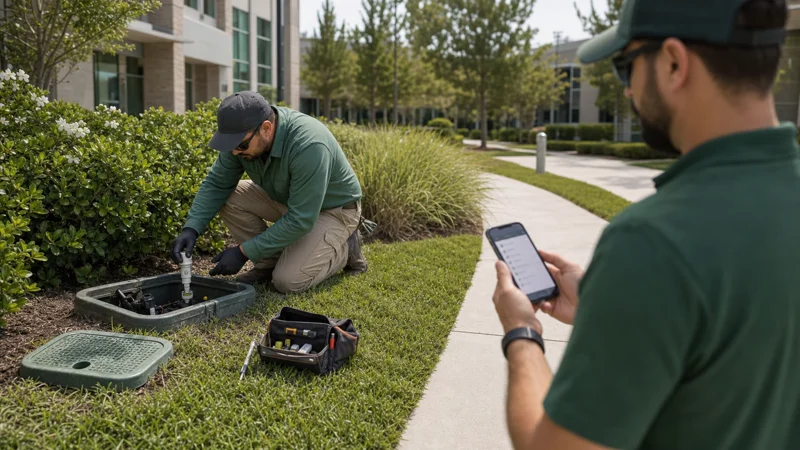
Irrigation repairs are billable extras for many landscape maintenance companies. They are easier to approve and bill when technician findings do not disappear into verbal updates. Field Service Cloud keeps irrigation map context, station notes, photos, parts, labor, task status, and customer-ready estimates connected after the technician leaves.
Irrigation materials, photos, labor, and location context stay with the same repair record.
The office can review the repair estimate, station notes, photos, and customer decision together before work or billing follow-up.
How It Works
From monthly inspection to billable repair estimate
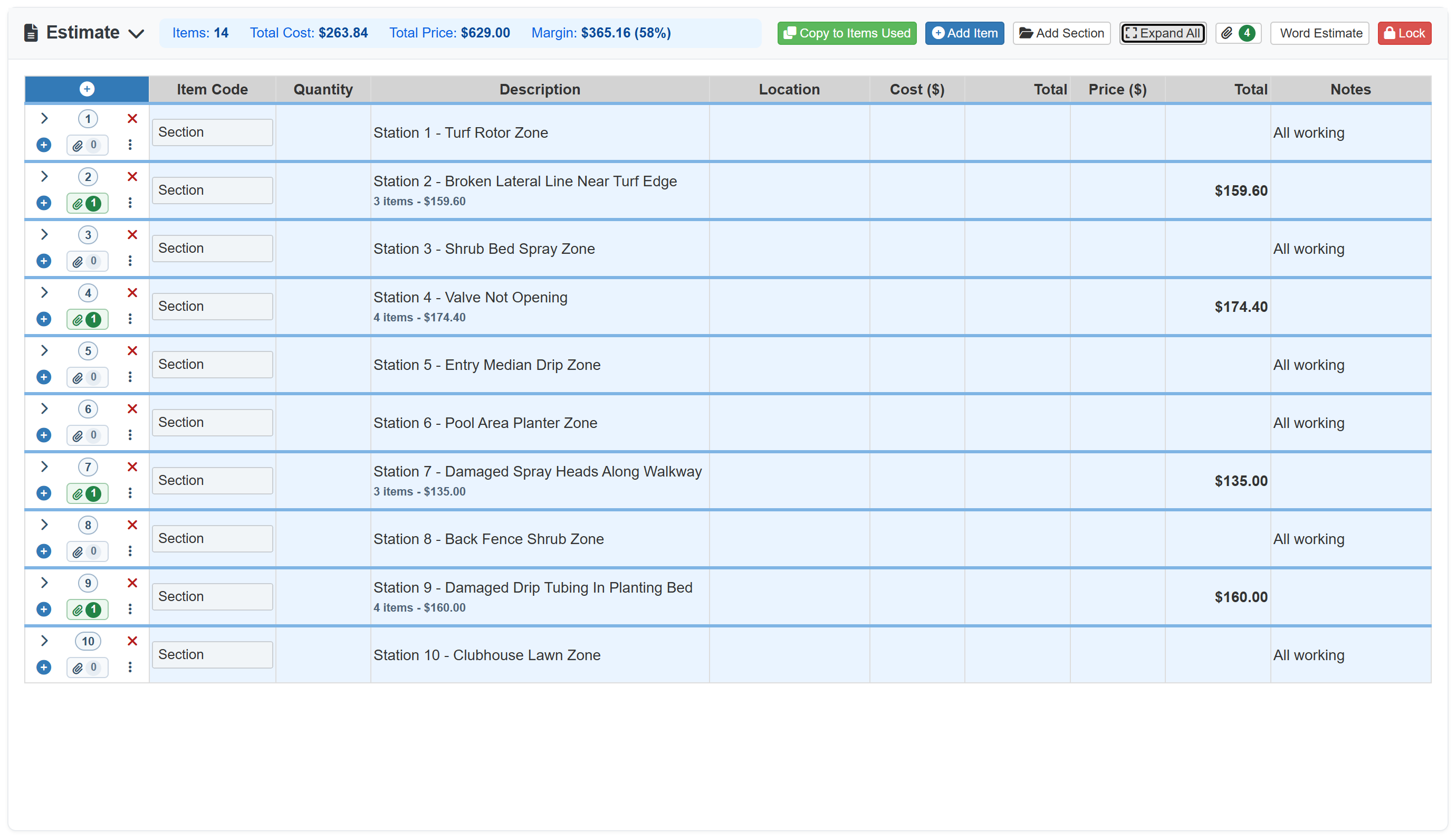
The Evergreen Grounds irrigation example starts with mapped controller and station context, then follows a monthly Fox HOA inspection through all ten Timer A station sections. Passing stations are marked all working, while Stations 2, 4, 7, and 9 become repair photos, sectioned parts and labor, a Field Assistant estimate, and a $629 Word estimate for customer approval.
1
Start from mapped irrigation context
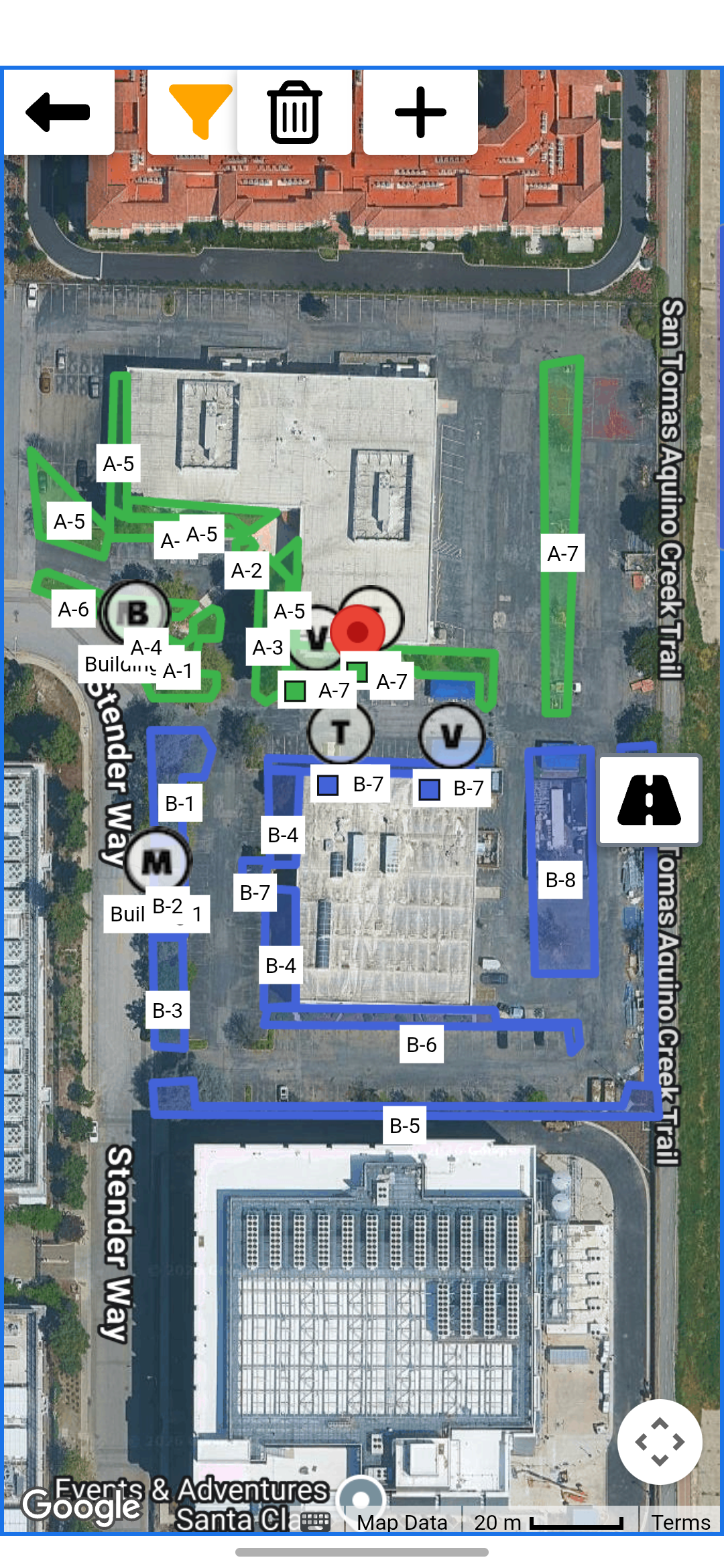
Technicians can use mapped controllers, zones, and station areas so inspection notes and repair findings stay tied to the right irrigation system context.
Mapped stations guide the inspection.
2
Capture repair findings by station
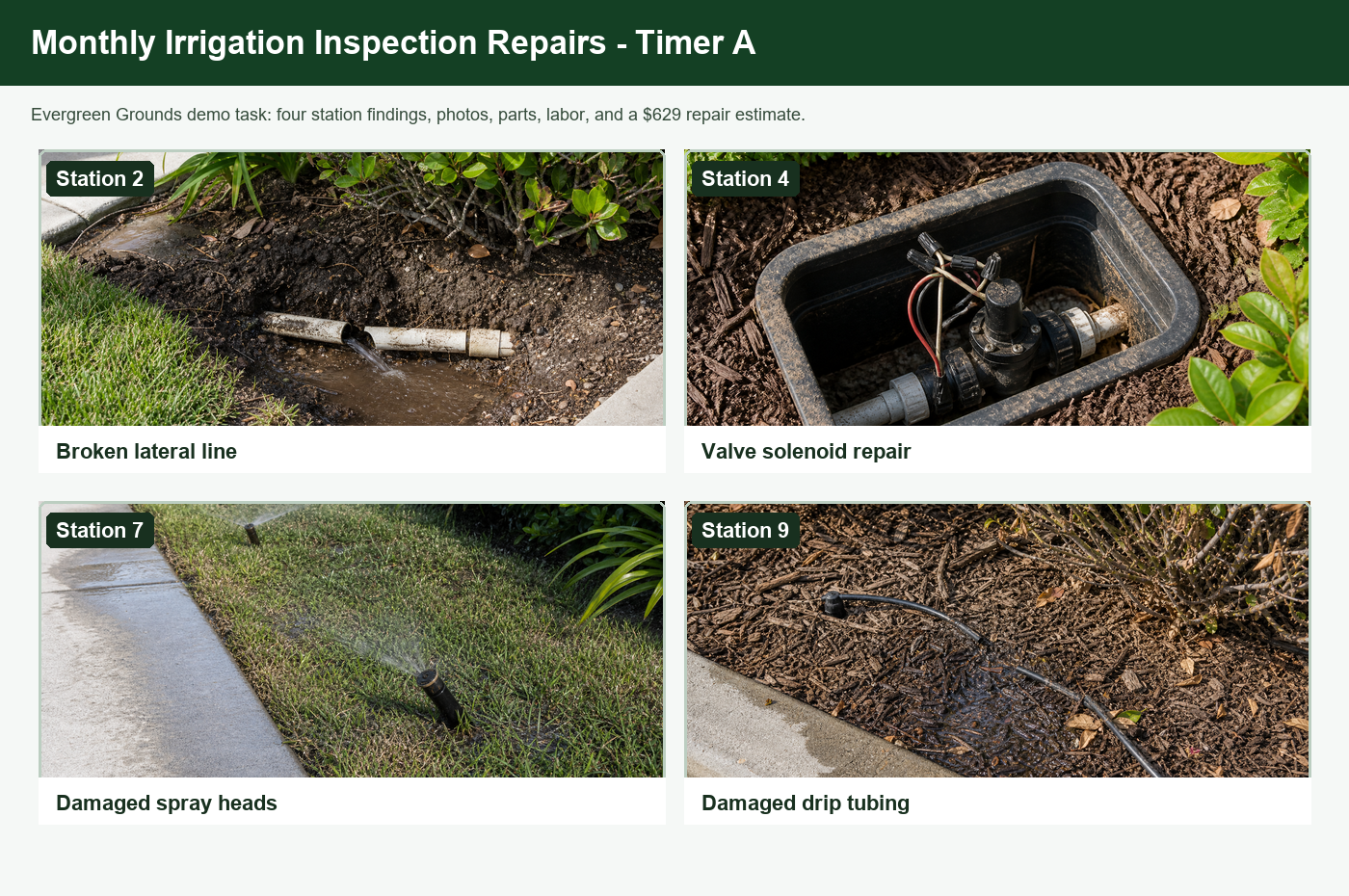
The monthly inspection shows repair findings for Stations 2, 4, 7, and 9, with photos of the broken lateral, valve repair, damaged spray heads, and damaged drip tubing.
Each finding has visual proof.
3
Create the repair estimate in Field Assistant
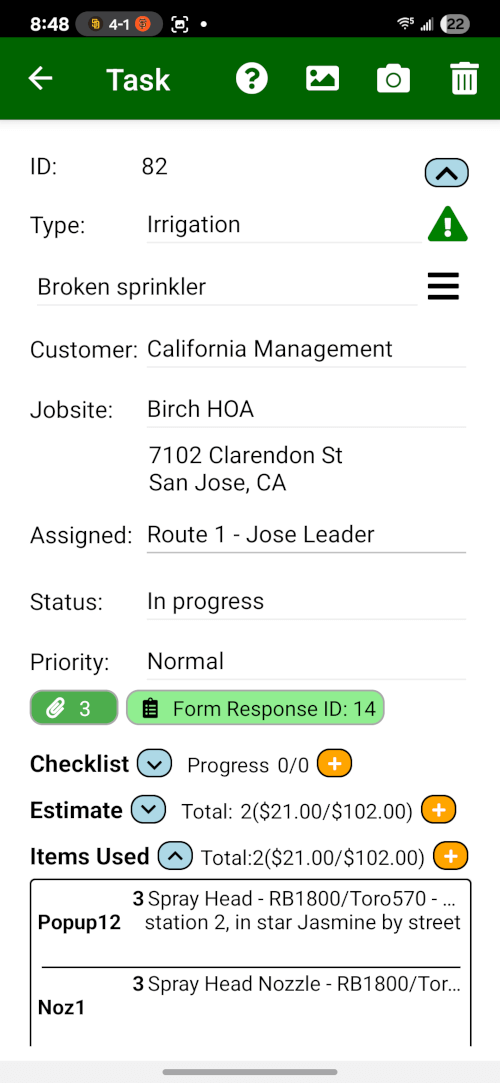
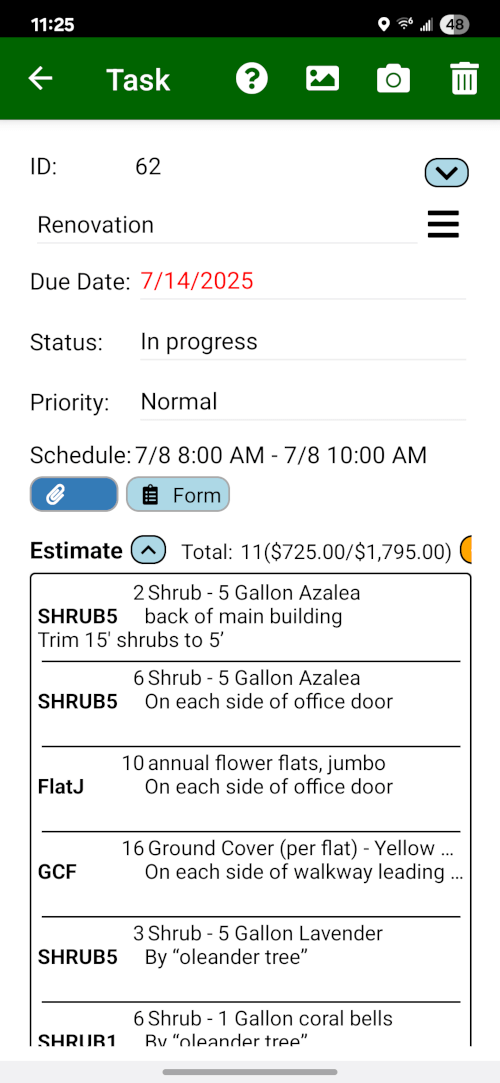
The technician can build the repair estimate from the phone with all ten station sections, all-working notes, repair photos, parts, and irrigation labor while the findings are still fresh.
The field estimate starts on site.
4
Review the sectioned repair estimate
The office can review all ten inspected station sections first. Passing stations stay marked all working, and the repair sections show totals before managers expand line detail that needs adjustment.
Section review keeps office follow-up clean.
5
Export a customer-ready Word estimate
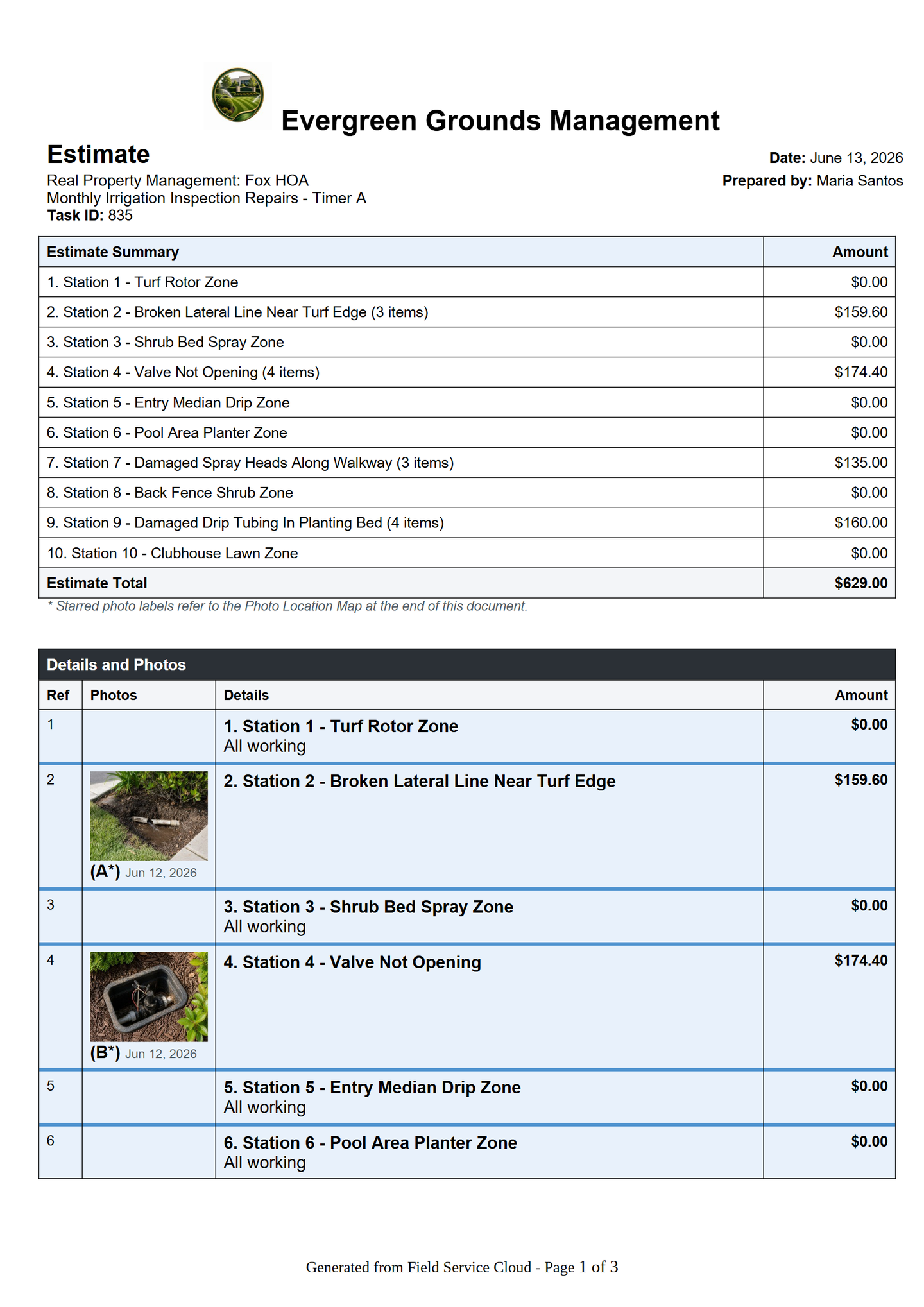
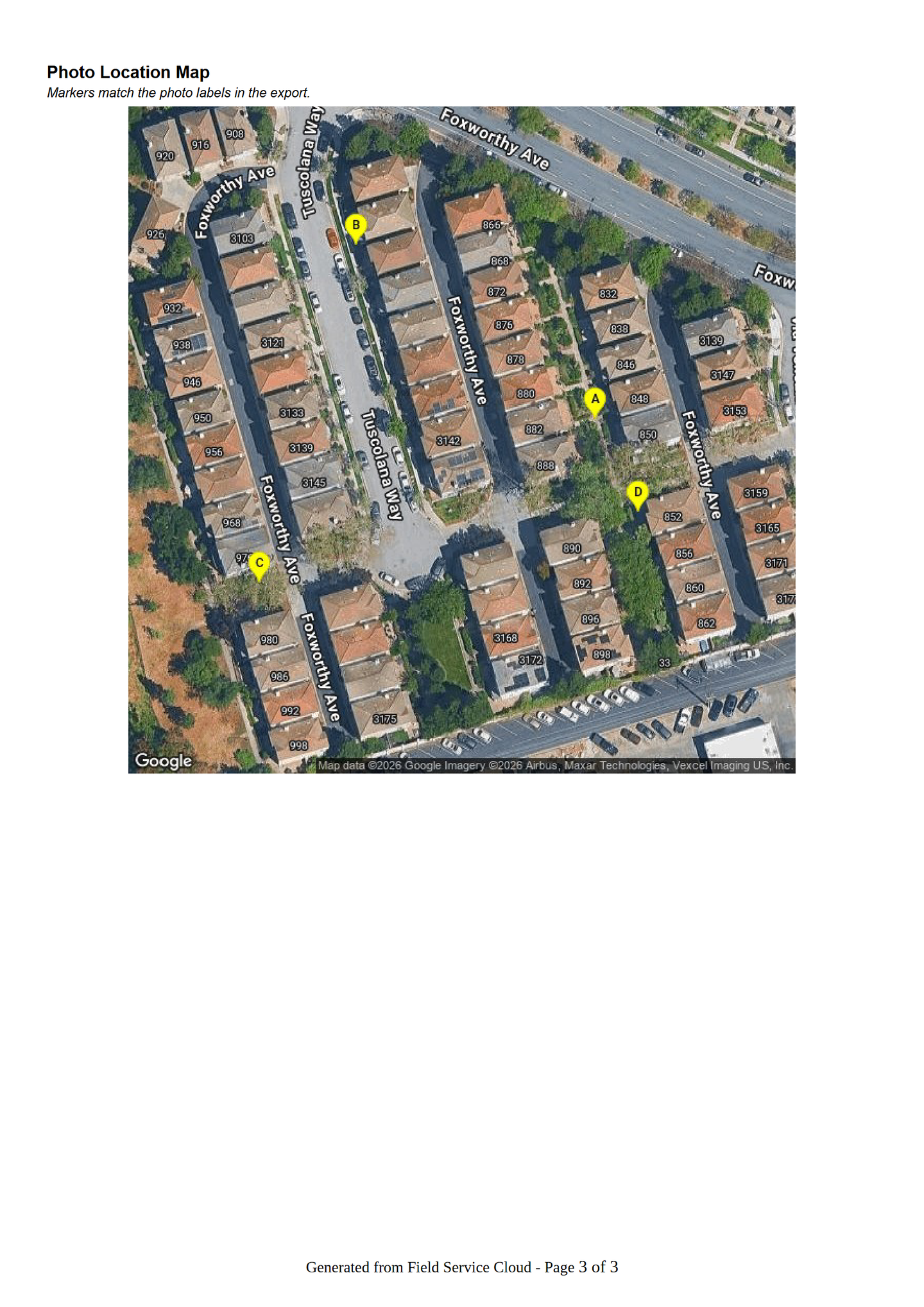
The final estimate export includes the labeled repair photos in the estimate table, itemized parts and labor, and one photo-location map that ties the repair photos back to the station findings.
Repair estimate is ready to send.
Irrigation repair work is another major billable-extra path for many landscape companies. This page focuses on the specialized irrigation workflow: maps, station notes, repair photos, parts, labor, and customer-ready estimates. See the Billable Enhancements & Site Extras Solution for non-irrigation enhancement and site-extra work.