Monthly Client Report
Help a property manager see the services, improvements and follow-up that matter to their property.
“Prepare August’s service report for Rose HOA.”
With Field Service Cloud, ask Claude or ChatGPT about completed work, explore service photos, and shape the answers into updates and reports. Your connected records provide the context—without copying them into a chat.
Bring a question you need answered or a report you wish you had to your Field Service Cloud walkthrough.

Your crews and office bring service details, notes and photos together in Field Service Cloud. AI Chat Integration gives you another way to use that information: ask Claude or ChatGPT about a property, investigate a detail or prepare an update without collecting the records yourself.
The conversation doesn’t stop at the first answer. Ask for more detail, change the format, or turn the result into an update or report for the person who needs it.
Read-only access. Your existing permissions. The connection reads the Field Service Cloud records you’re allowed to see; it doesn’t change them. You review the answers and decide what to share.
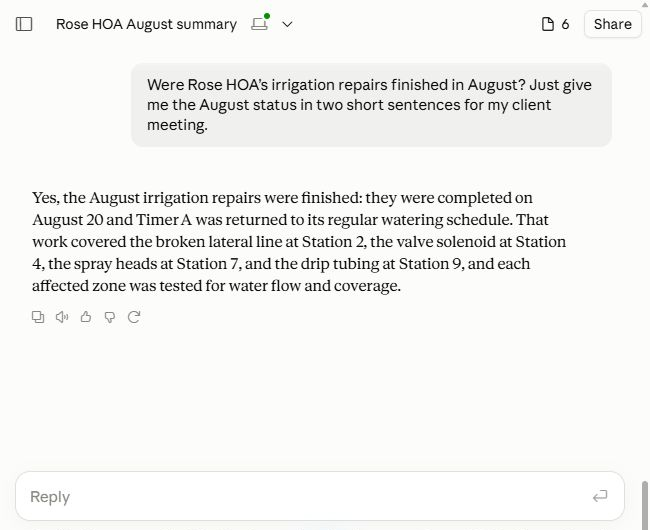
Here’s how a landscape manager could prepare for a meeting with Rose HOA’s property manager: check whether the repairs are finished, turn the answer into a client email, then add photos showing the improvements.
Check the repairs before your client meeting. Get a clear answer grounded in the recorded work.
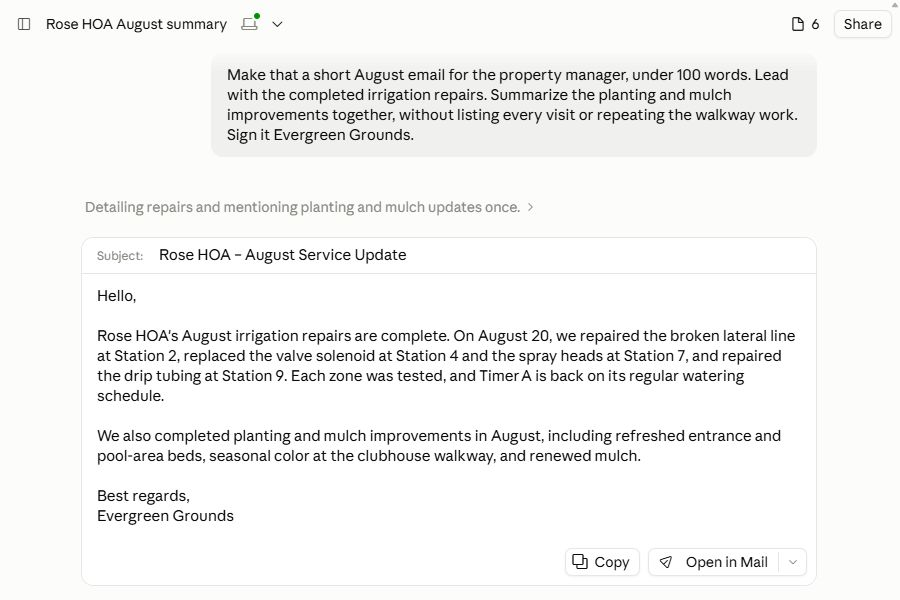
Turn the answer into a brief email for the property manager. Lead with the repairs and leave internal office details out.
“Add the before-and-after photos to that email, with a short caption for each pair.”
Show the improvements with recorded before-and-after photos, right in the email. Review the draft, then share it with your client.
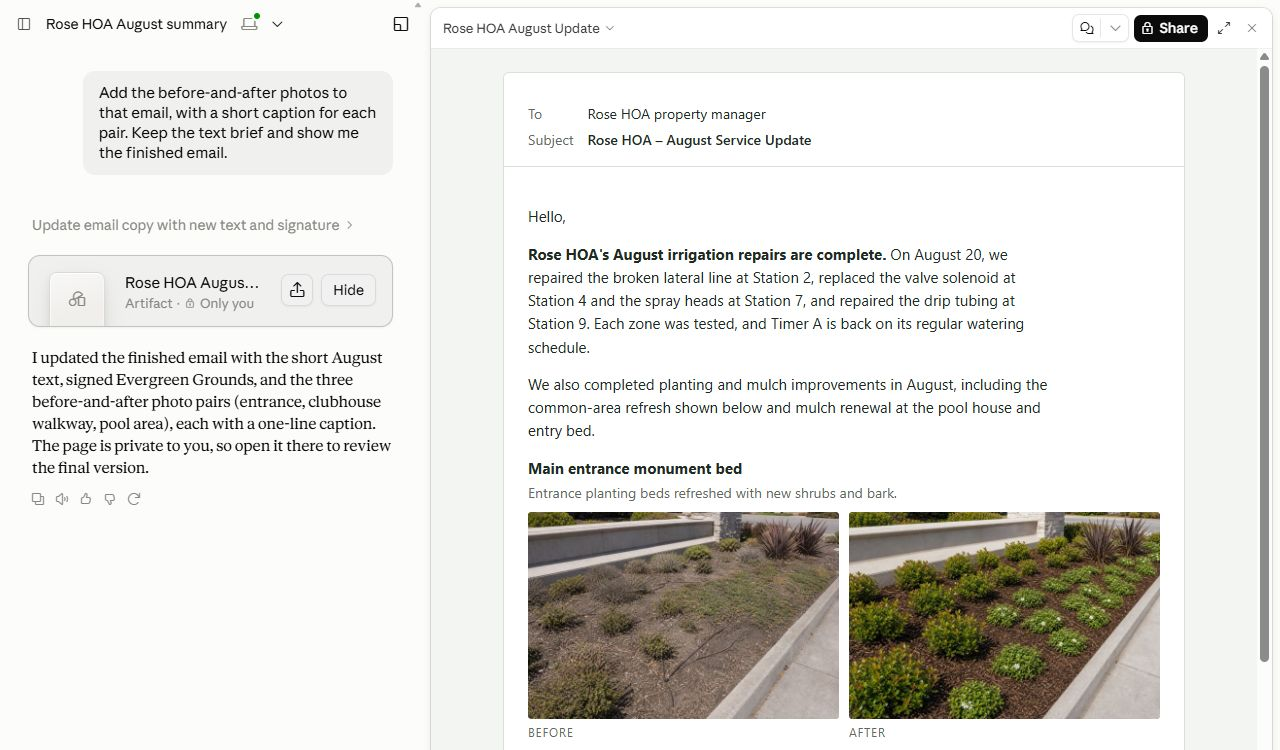
Shown in Claude with fictional Evergreen Grounds demonstration records and photos.
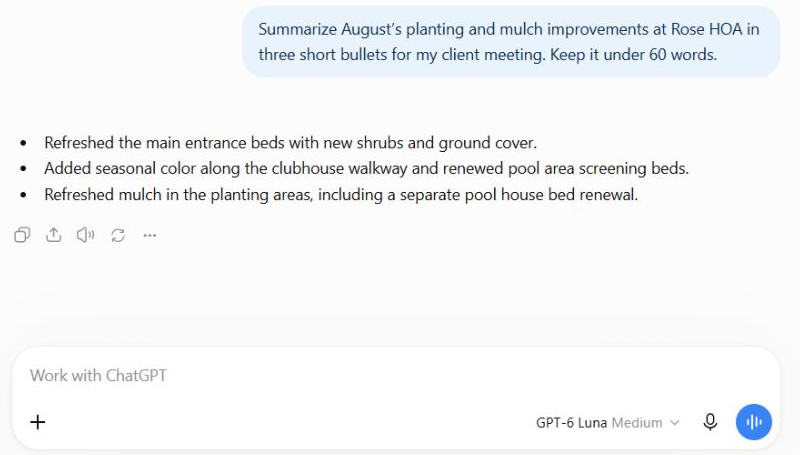
Ask ChatGPT to turn the recorded improvements into a few clear talking points. Here, a follow-up shapes Rose HOA’s August planting and mulch work into a short meeting summary.
Ask about a crew, a property or the work ahead. For a report you prepare regularly, start with a skill: reusable instructions that give the assistant a structure to follow, so you don’t have to describe it from scratch each time. These three examples can be adapted to your business.
Help a property manager see the services, improvements and follow-up that matter to their property.
“Prepare August’s service report for Rose HOA.”
Bring recorded priorities and follow-up into the morning conversation with your crews.
“What should I discuss with my crews this morning?”
Review completed work, attention items and upcoming tasks across the properties you manage.
“What needs my attention across my properties this week?”
Name the property and time period in your chat, or use the context already established in the conversation.
Ask for more detail or change the presentation with a follow-up message in the same chat: “What did we do around the pool?” or “Make that a checklist for the crew leader.” For a customer report, try: “Show the photos first and shorten the maintenance section.”
Skills are reusable instructions you can customize for recurring work. Save your preferred headings, level of detail and format in a skill to use that approach again.
Your questions, your audience, your format. These examples are starting points—not the limits of what you can ask about your connected records.
Answers draw on your connected Field Service Cloud records. Review the supporting records when checking details, and check reports before sharing them.